How long it takes
With Expedited Delivery, we send your rent transfer the next day when you pay before 9pm, or with Standard Delivery usually within 3 business days.
Follow your payment from the card to the bank transfer. Then send your landlord or letting agent a link so they can see it’s on its way.
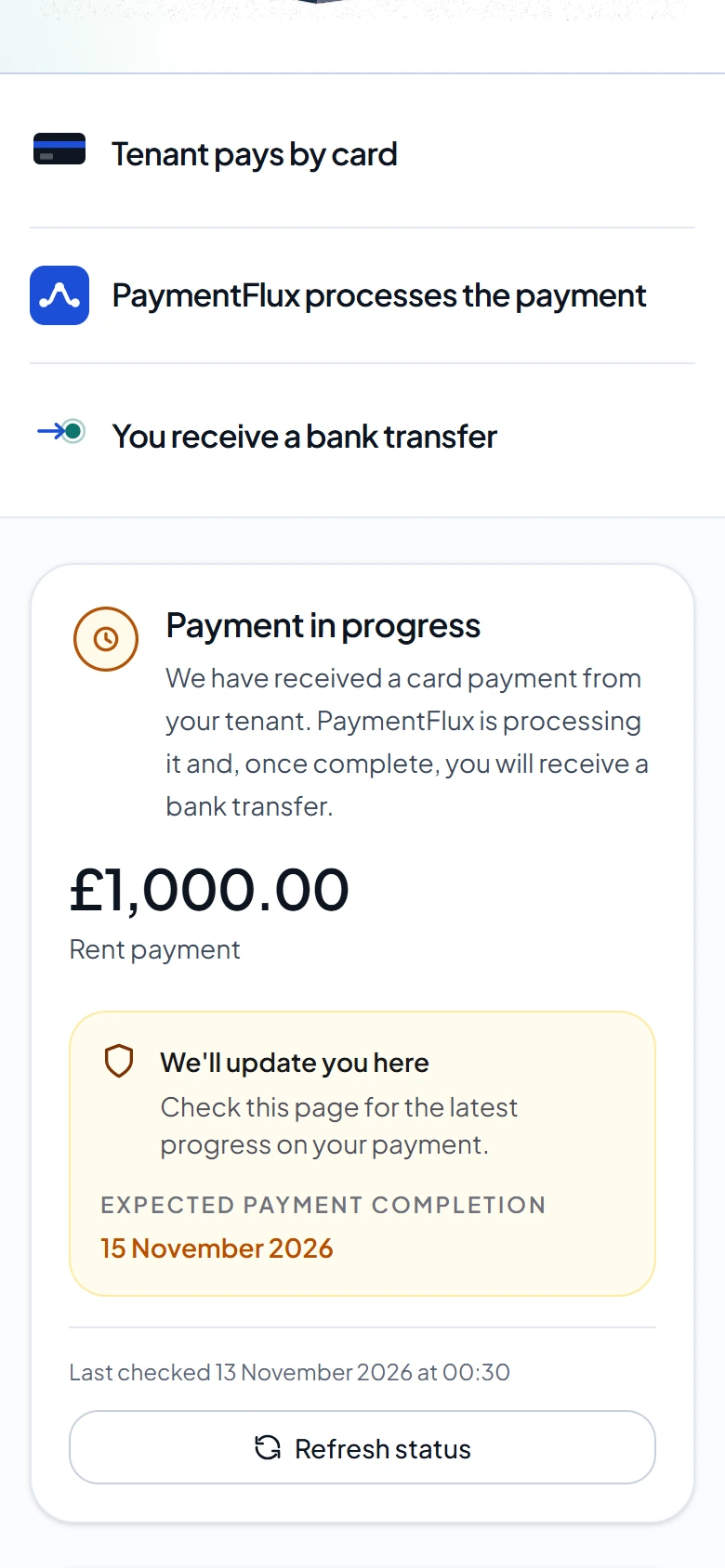
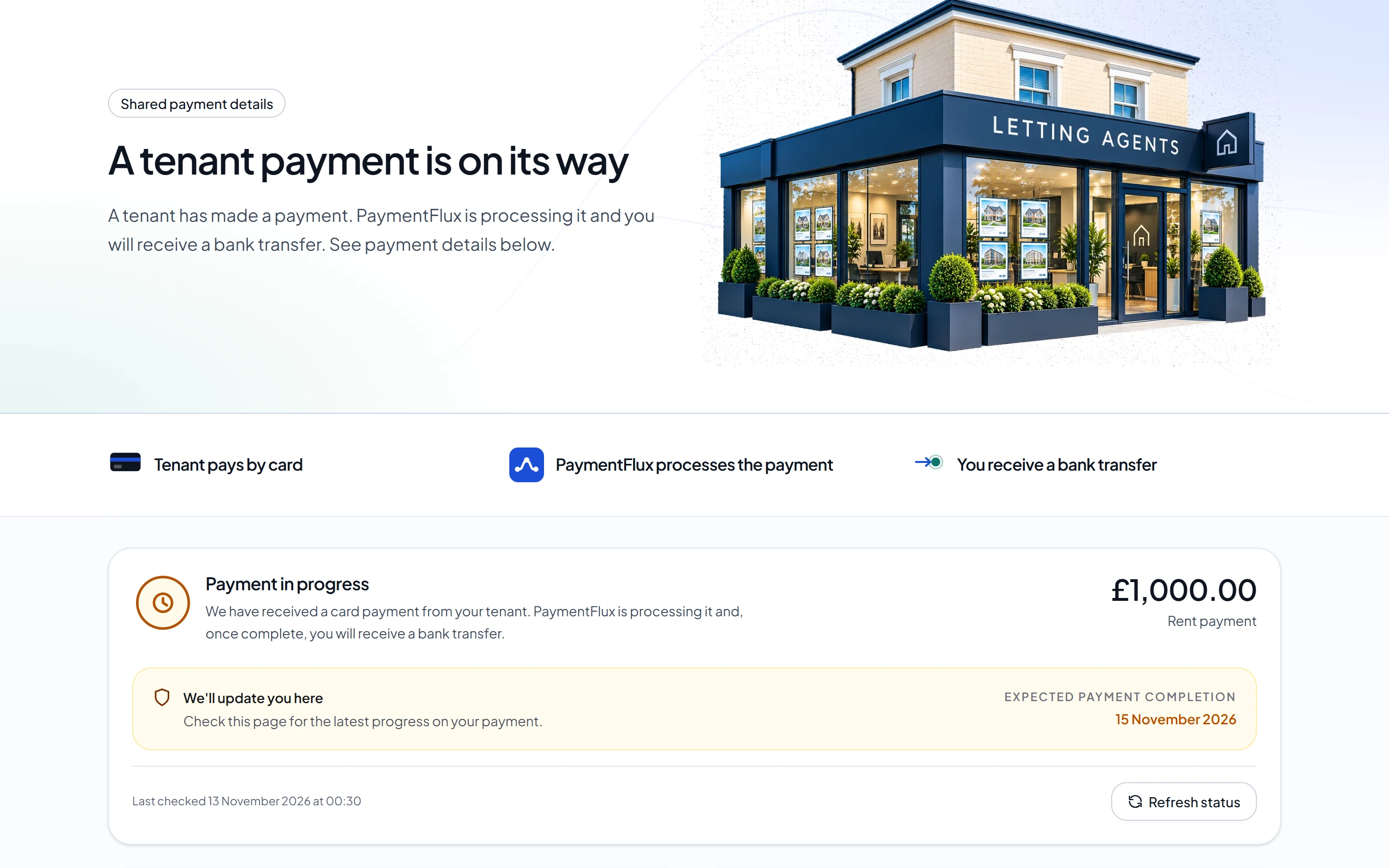
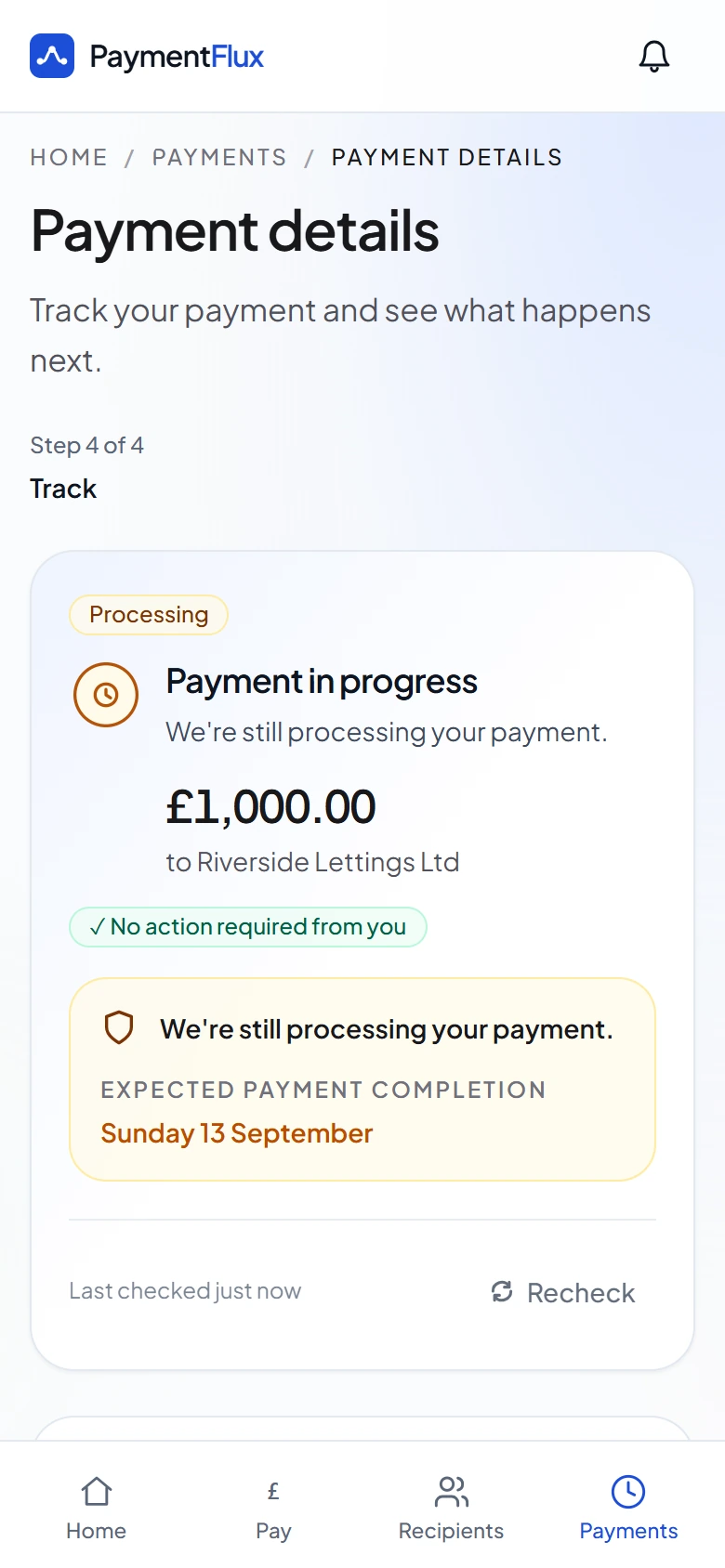
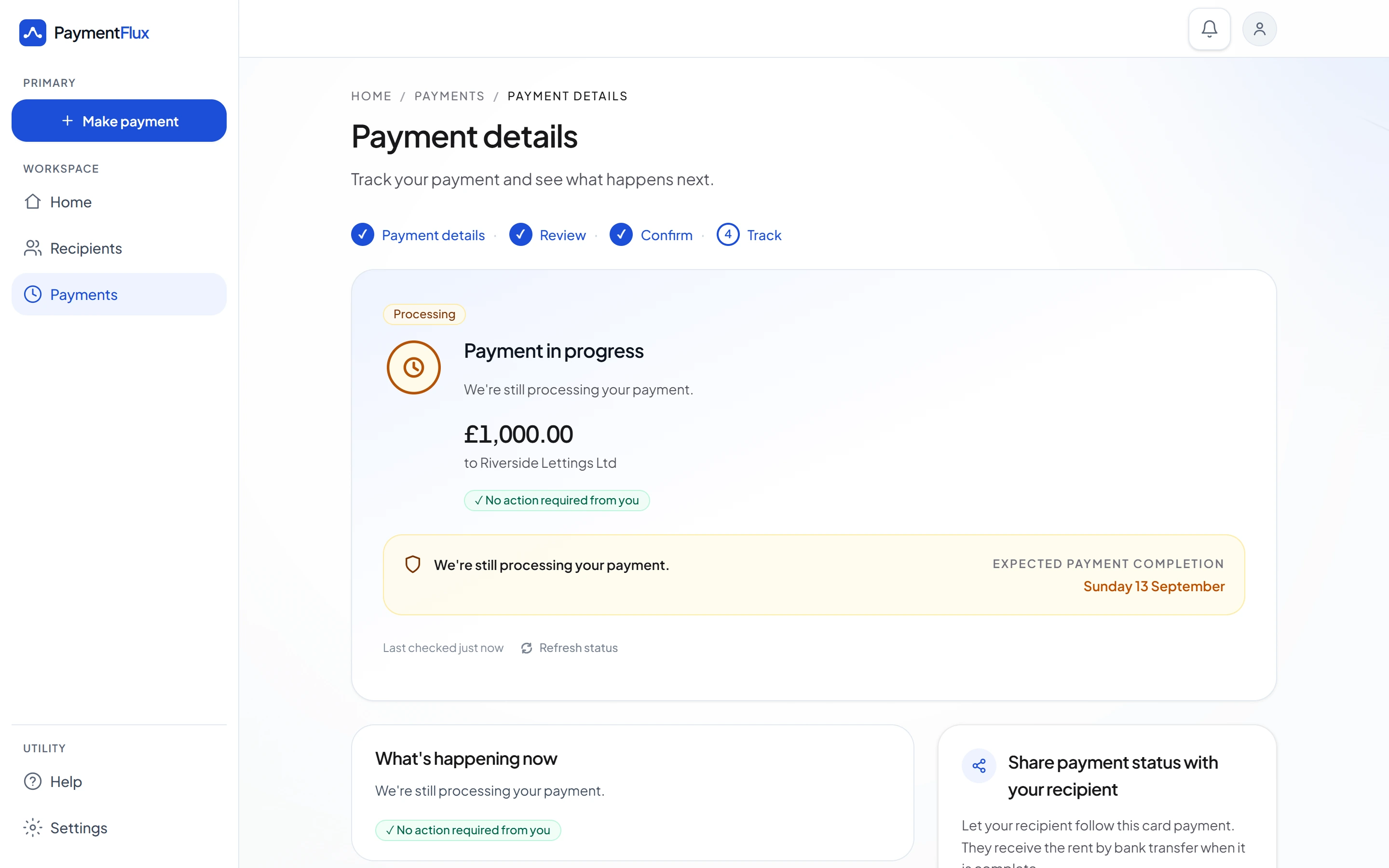
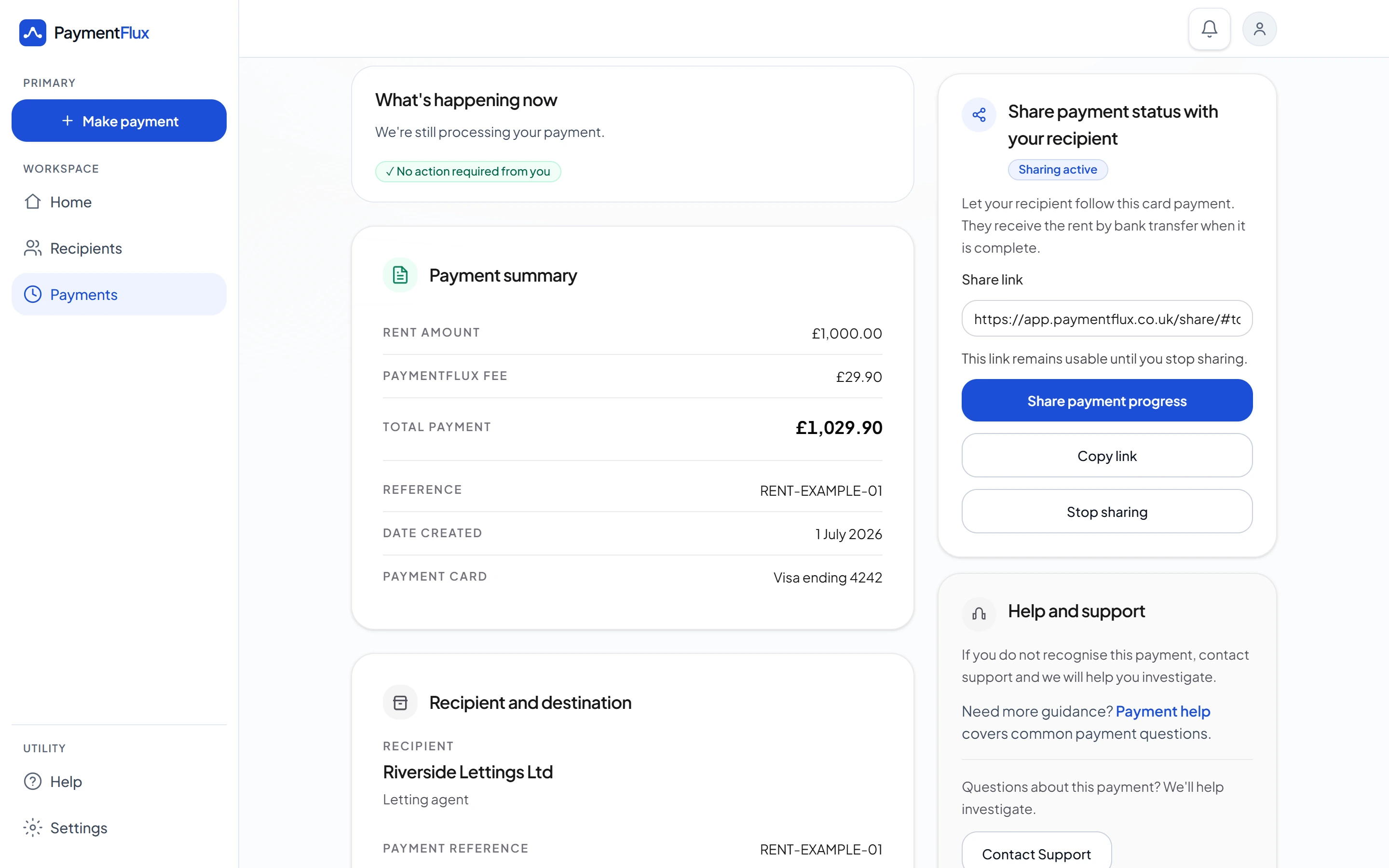
After you confirm, your payment details show where your rent is. A successful card payment alone doesn’t complete it: it’s complete once the transfer has been sent.
Debit card, credit card, Apple Pay or Google Pay. You see the fee and total first.
Your payment details show the payment is in progress, with nothing for you to do.
The payment is complete once the transfer to your recipient has been sent.
New
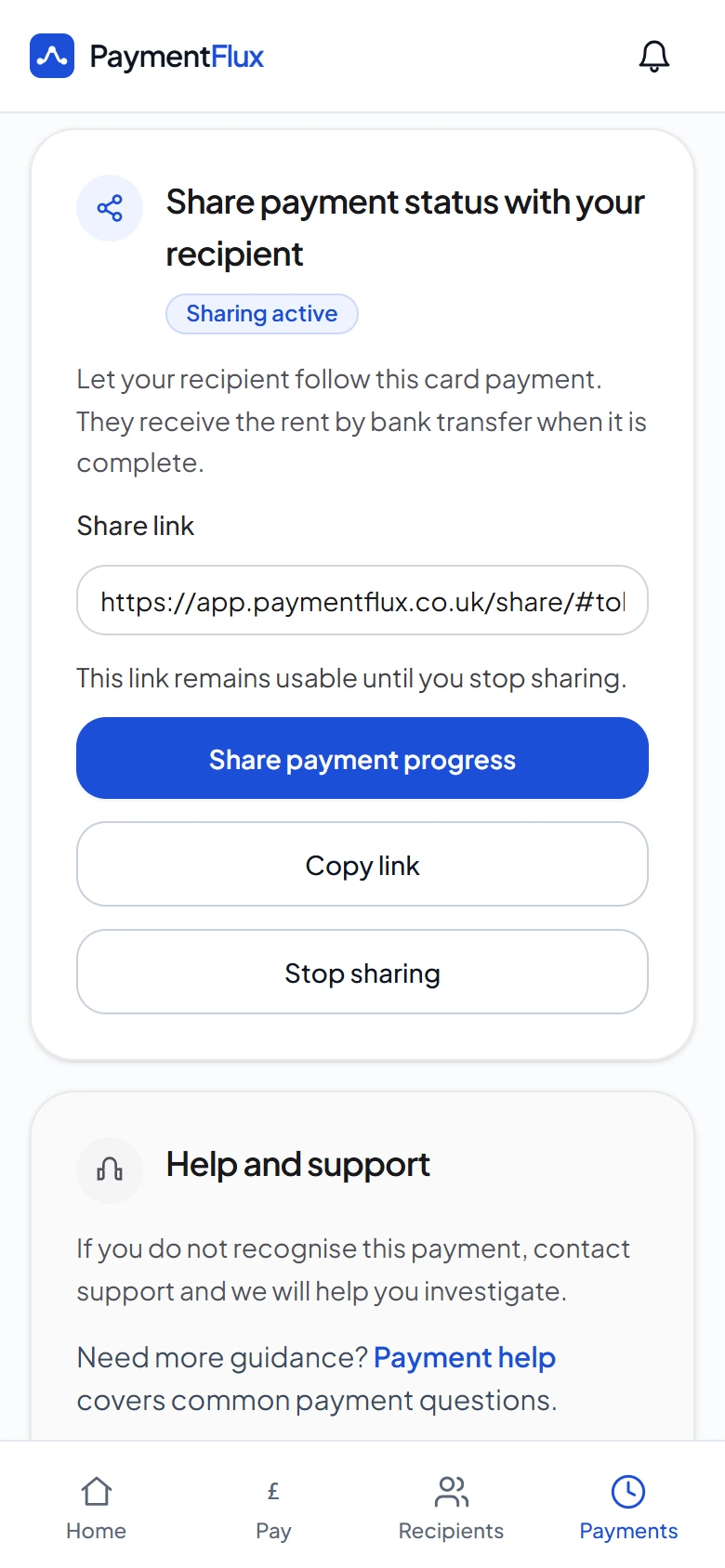
From the payment details, confirm that anyone with the link can view the shared details, then send it to your landlord, letting agent or property manager.
Progress and expected transfer date. They see where the payment is and when we expect to send it.
No account needed. Your recipient just opens the link. They receive the rent by bank transfer when it’s complete.
You stay in control. Share or copy the link, and stop sharing whenever you like.
With Expedited Delivery, we send your rent transfer the next day when you pay before 9pm, or with Standard Delivery usually within 3 business days.
Your payment details stay in your account, including records you can use as evidence of payment. If something looks wrong, contact support.
No. The link you share opens a page that shows the payment’s progress and expected transfer date. Your recipient doesn’t need to sign up.
If the card step fails, no transfer is made. If the card succeeds but the transfer can’t be completed, we’ll try to return funds to your original payment method through our partners where possible.
Visit our Help Centre or contact our support team.
Create your account to start a rent payment, track it and share its progress with your recipient.