PaymentFlux for housing associations
Give residents another way to pay their rent
Residents can pay rent by debit card, credit card, Apple Pay or Google Pay. Your housing association receives the rent by bank transfer.
PaymentFlux works alongside the ways residents already pay you.

Housing association outcomes
More choice for residents
An additional way to pay by debit card, credit card, Apple Pay or Google Pay.
Works alongside existing rent collection
Use PaymentFlux alongside the payment methods and providers you already offer.
No new card checkout for your association
PaymentFlux handles the resident’s PaymentFlux transaction. You receive the rent by bank transfer.

How rent reaches your association
A resident pays by debit card, credit card, Apple Pay or Google Pay. PaymentFlux processes the payment. Your association receives the rent by bank transfer.
Resident



PaymentFlux
Housing association
Receives a bank transfer
Designed to complement your existing rent collection
Keep the payment methods and providers you already offer. PaymentFlux can provide an additional route for residents who choose to use it.
Every association’s payment setup is different. PaymentFlux can sit alongside the methods and providers you already offer.
Existing collection methods
Direct Debit
Bank transfer
Existing card or digital payments
For example, your own portal, telephone payments, Allpay or another provider.
In-person payment routes
For example, PayPoint where offered.
Additional route
PaymentFlux
Debit card, credit card, Apple Pay or Google Pay, then a bank transfer of the rent amount to you.
How residents pay through PaymentFlux
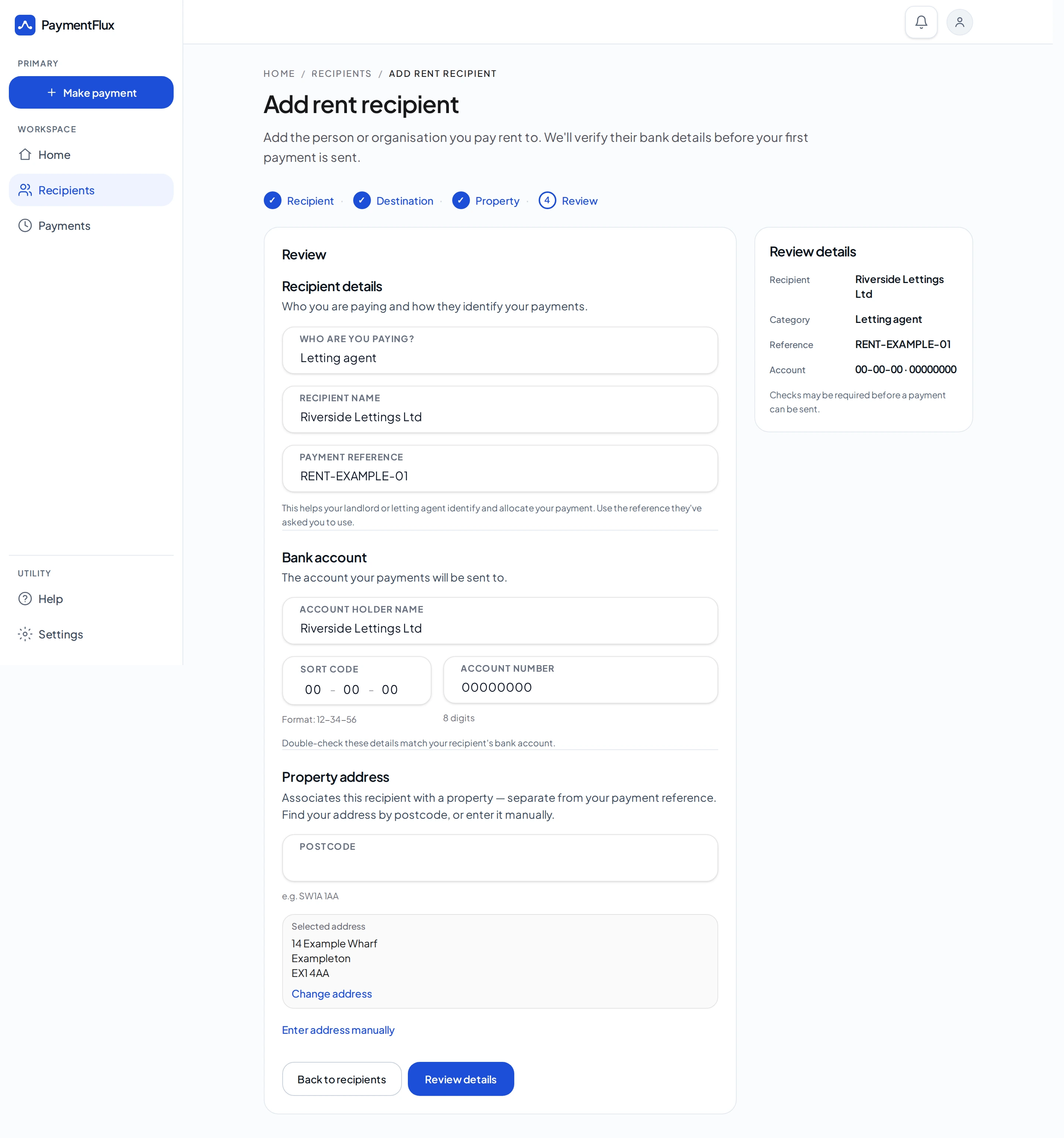
Step 1
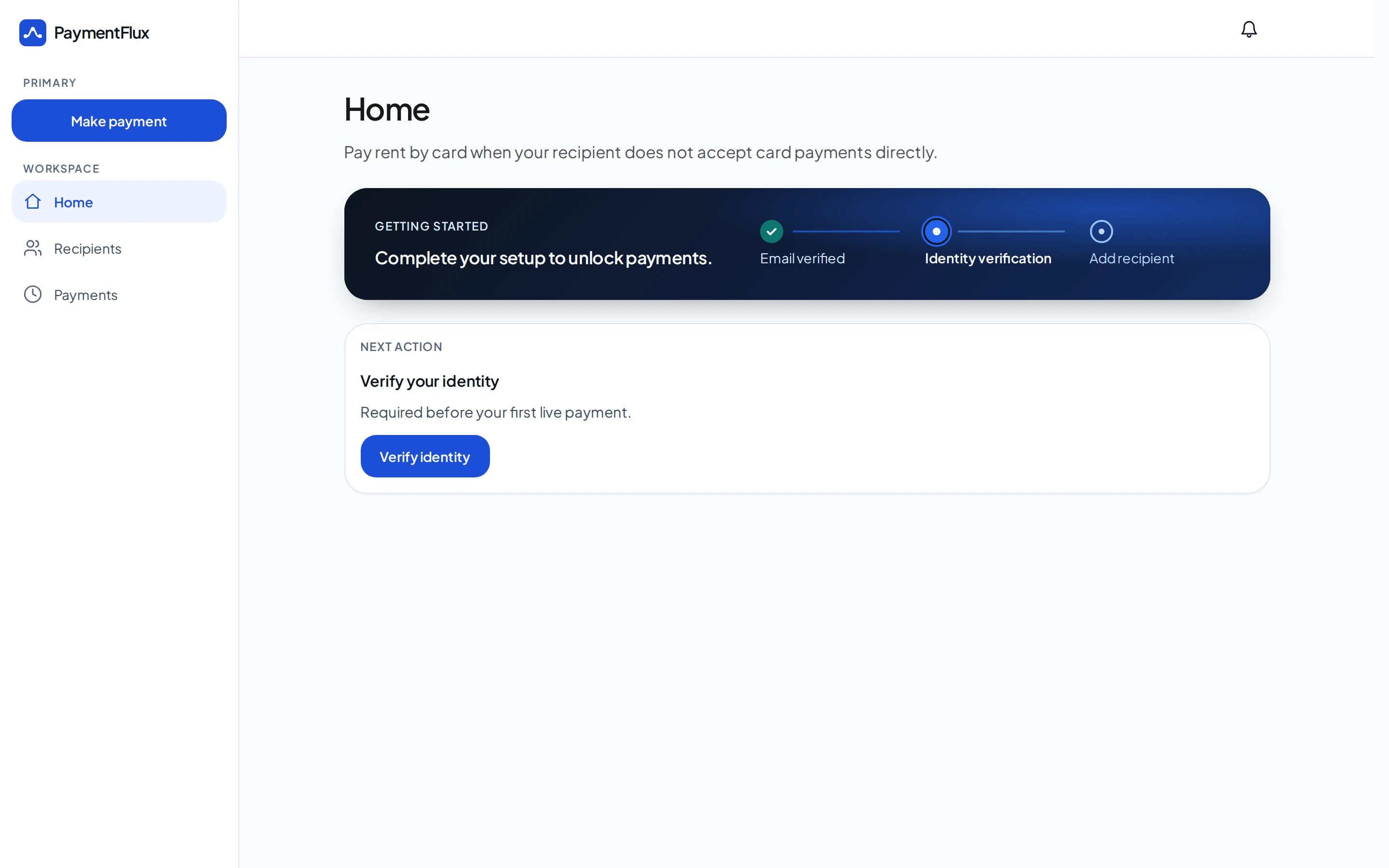
Open PaymentFlux
The resident opens PaymentFlux to make their rent payment.
Step 2
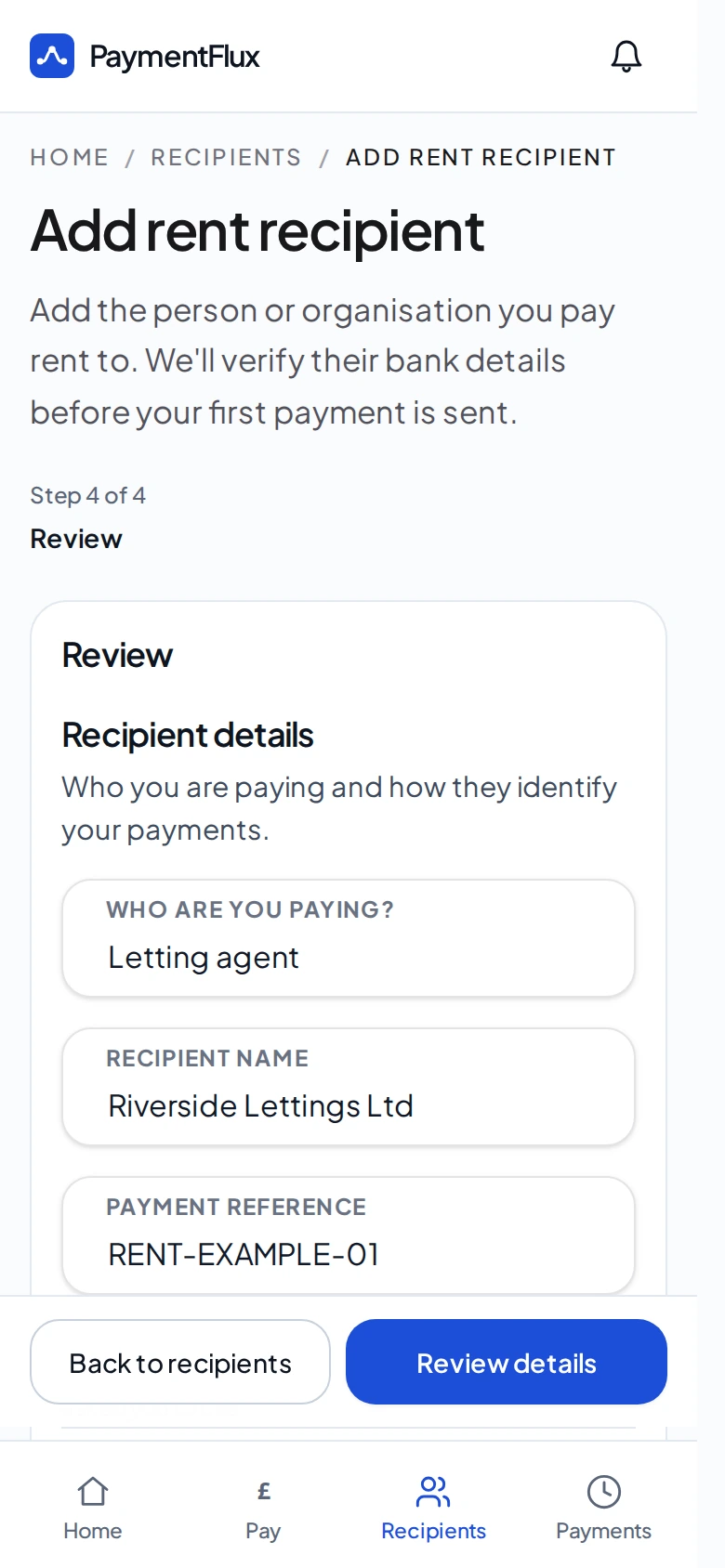
Add the housing association
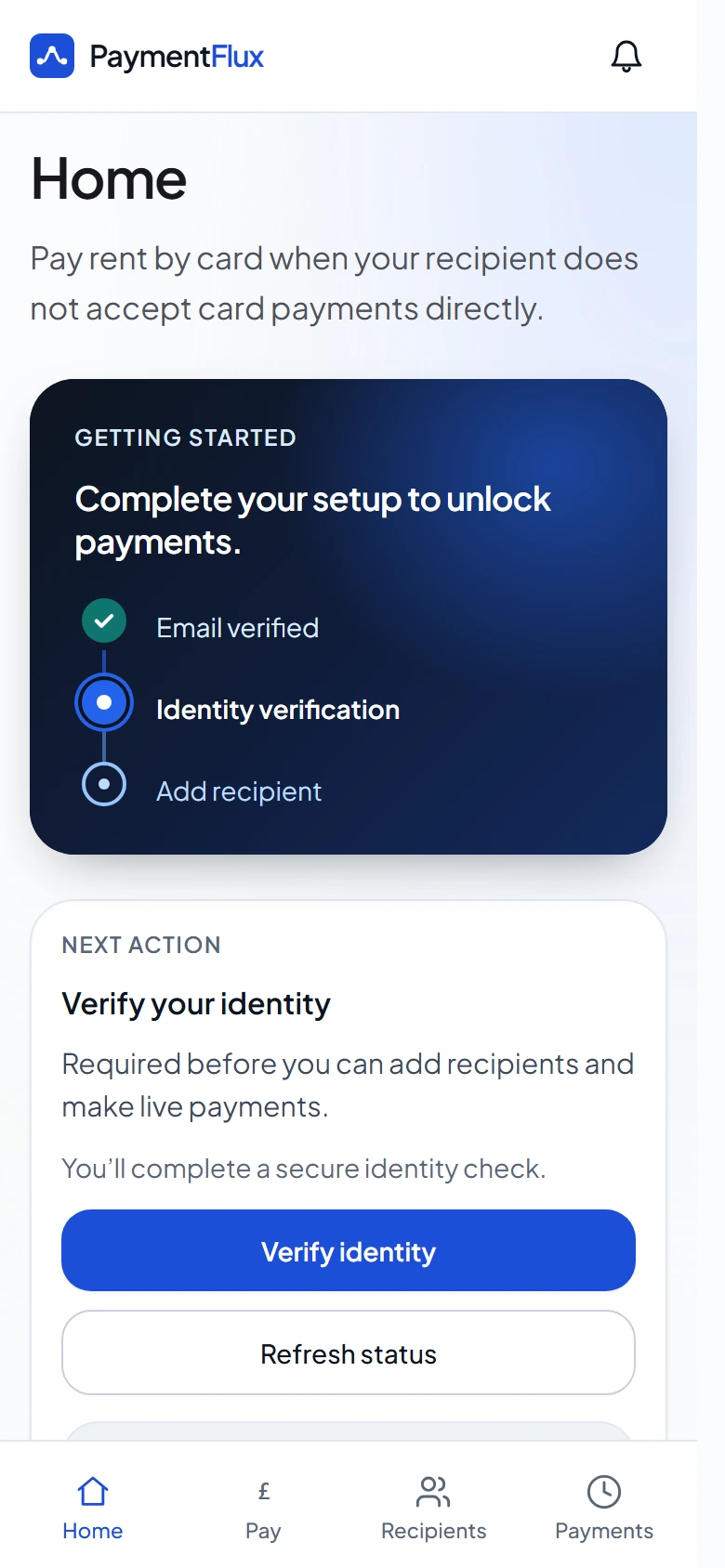
The resident adds their housing association and enters the rent-account or tenancy reference the association provides for bank transfers.
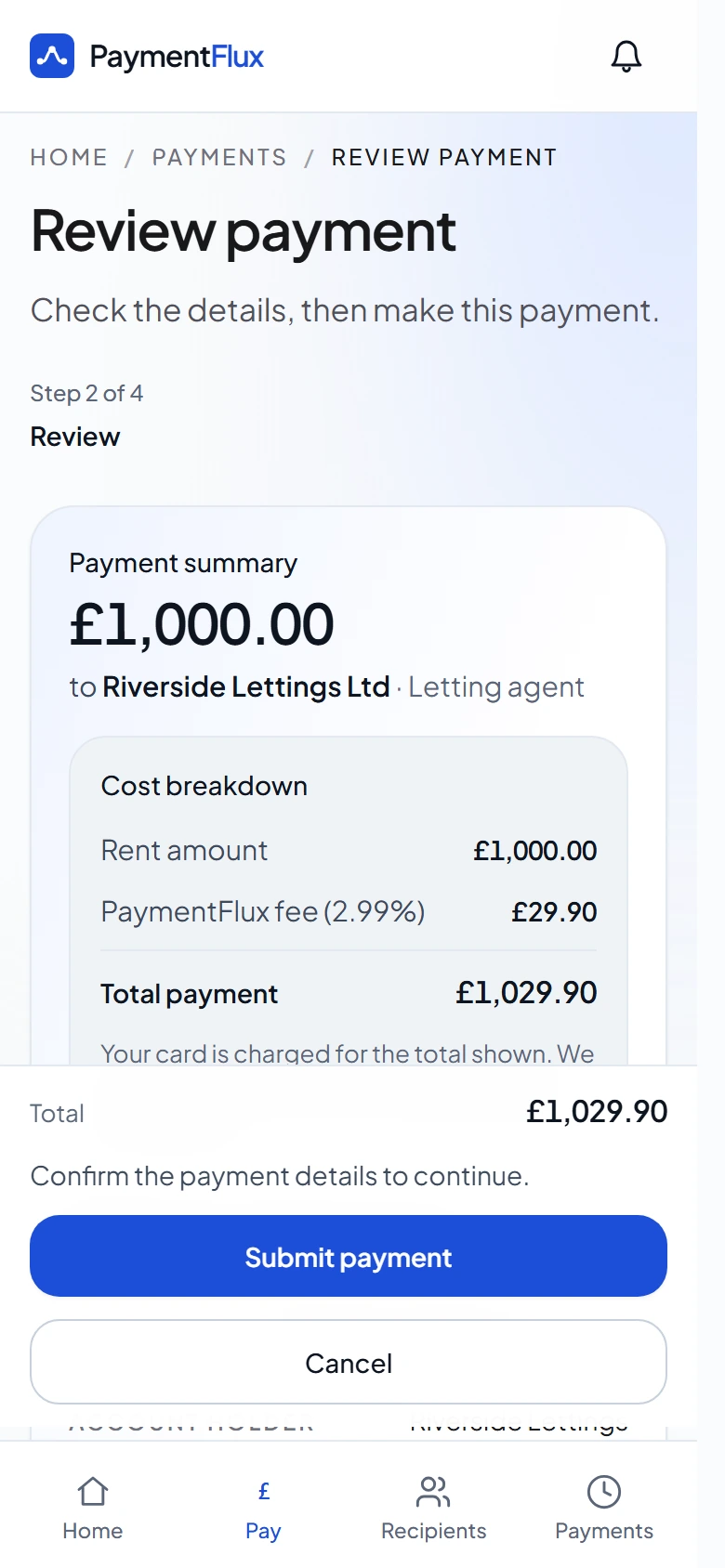
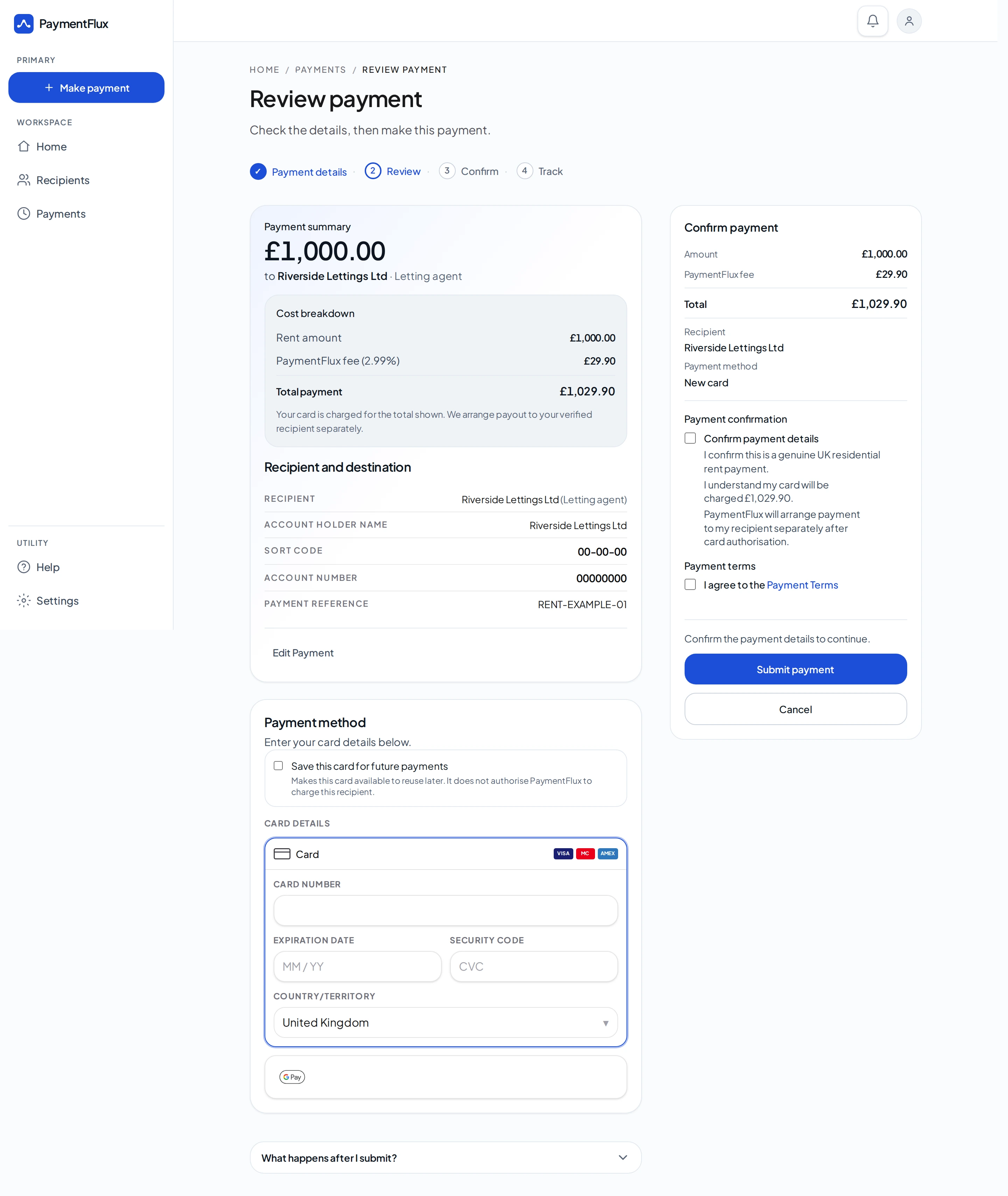
Step 3
Pay the rent
The resident pays using a debit card, credit card, Apple Pay or Google Pay and sees the PaymentFlux fee before confirming.
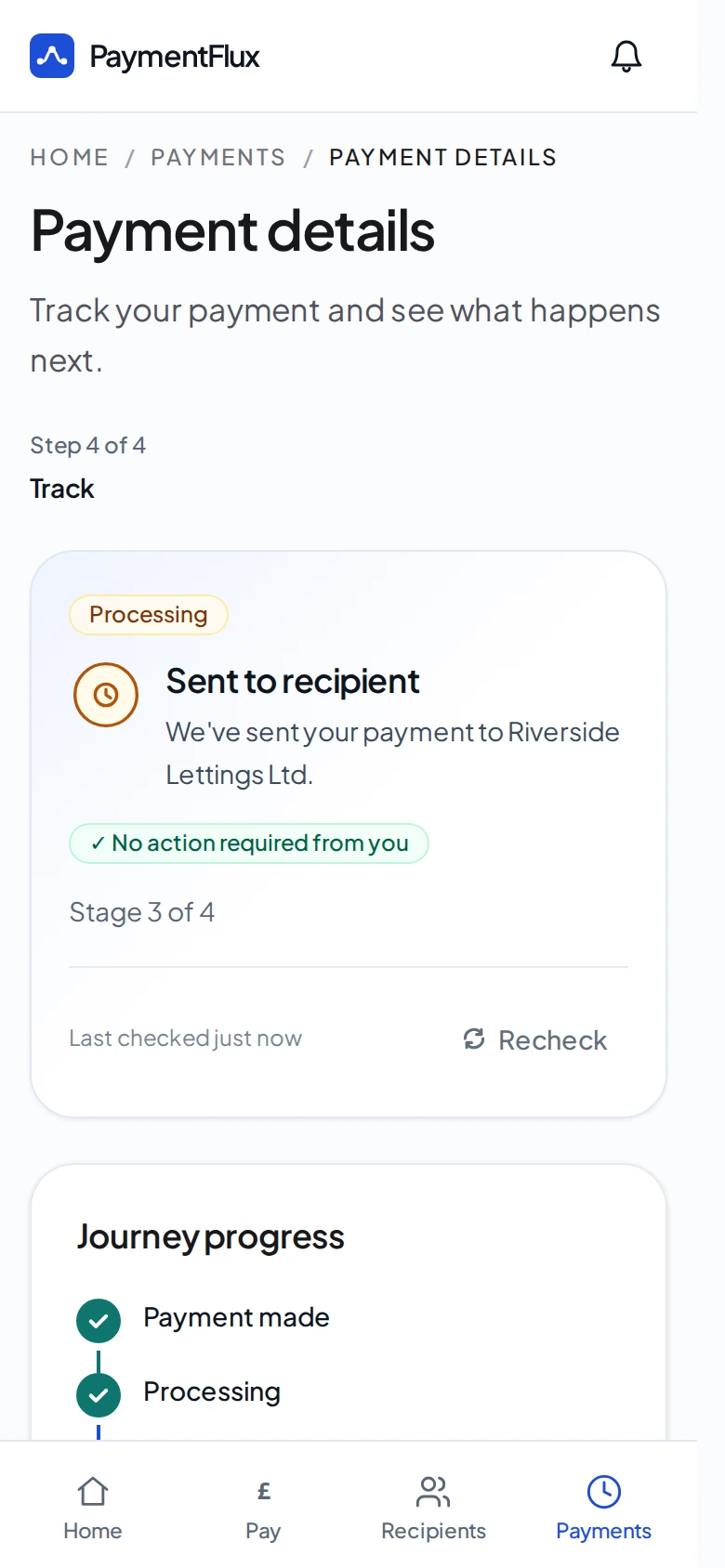
Step 4
Your association receives the rent
PaymentFlux sends the rent amount by bank transfer using the confirmed payment reference.
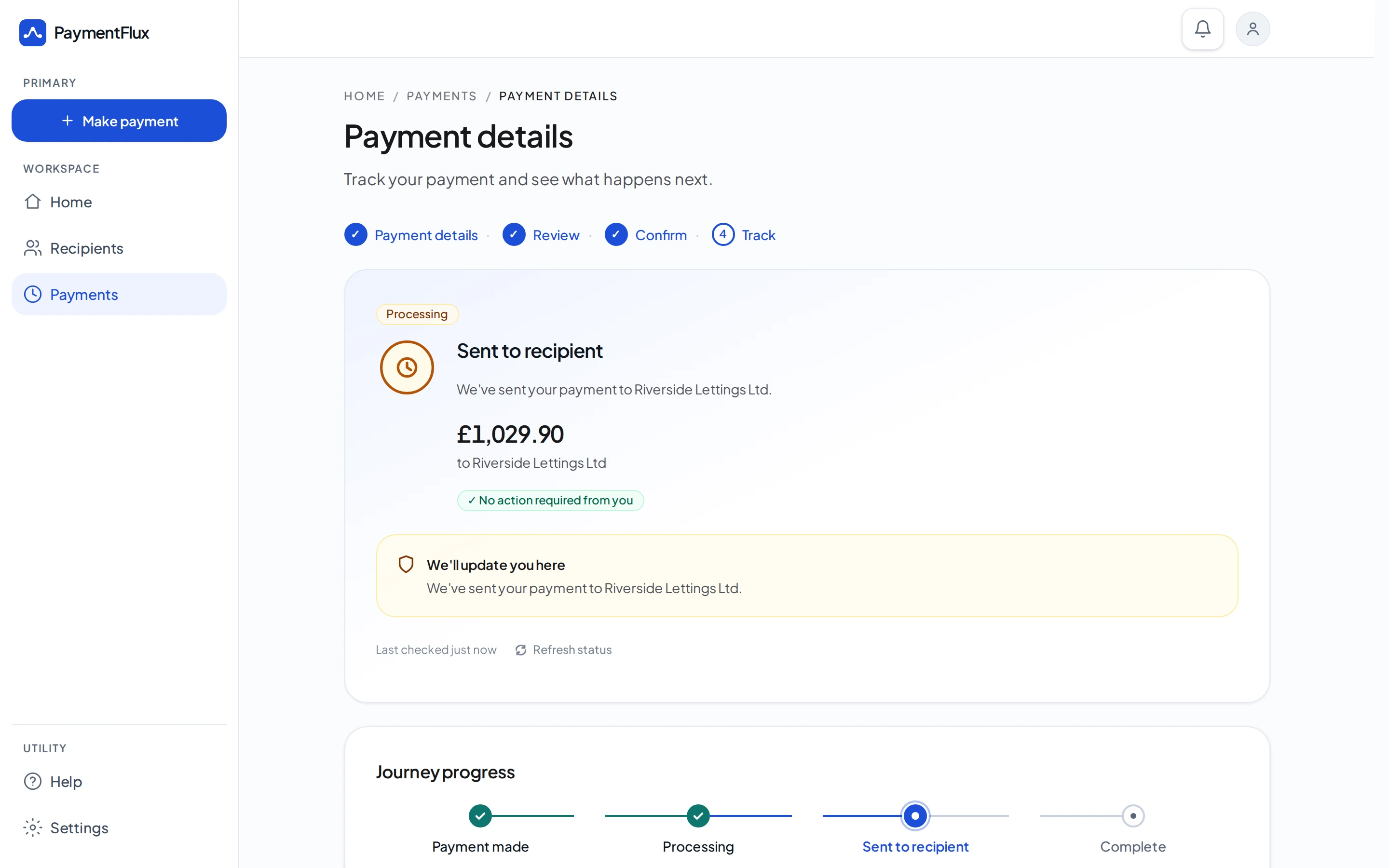
A straightforward housing association setup
You share a short set of details. PaymentFlux prepares the resident payment page and the communications for you to review before rollout.
What we need from you
- Your organisation’s legal name
- The rent-receiving bank account for these payments
- The reference instructions residents should use for bank transfers
- Your approval of the wording and assets residents will see
What PaymentFlux provides
- A PaymentFlux page where residents can pay their rent
- Debit card, credit card, Apple Pay and Google Pay
- A bank transfer of the rent amount
- Clear PaymentFlux fee disclosure before the resident confirms
- Payment tracking and support within PaymentFlux
- Co-branded resident communications, website or portal promotional assets, resident email and SMS copy, and staff or resident FAQ material, prepared for you to review before rollout
Designed around clear resident choice
PaymentFlux is an additional option. The ways residents already pay your association remain available.
- The PaymentFlux fee is shown before the resident confirms.
- The rent amount and the PaymentFlux fee are presented separately.
- PaymentFlux does not deduct its fee from the rent sent to your association.
- Residents who are having difficulty paying their rent should contact their housing association for support.
Interested in offering another payment option?
Tell us a little about your housing association. We’ll explain how PaymentFlux can sit alongside the ways residents already pay.
We can discuss security, data handling, accessibility and operational rollout as part of the conversation. This can sit alongside the phone support, assisted digital help and income teams you already provide.
No commitment required. No bank details needed for this enquiry.
Questions housing associations ask
PaymentFlux gives residents another way to pay rent. The resident pays PaymentFlux by debit card, credit card, Apple Pay or Google Pay. Your housing association receives the rent amount by bank transfer, using the payment reference confirmed for that payment.
No. PaymentFlux is an additional payment option. It can sit alongside Direct Debit, bank transfer, your existing online or telephone payment routes, and providers such as Allpay or PayPoint. Residents can continue using the methods you already offer.
PaymentFlux sends the rent amount by bank transfer to the rent-receiving account agreed with you. PaymentFlux does not deduct its fee from that amount, and it does not allocate the payment in your rent ledger.
The resident uses the rent reference you provide for bank transfers. That may be a rent account number, tenancy reference, customer reference or payment reference, depending on how you allocate ordinary bank transfers. Confirm that reference before residents start paying this way.
Yes. PaymentFlux is designed as an additional resident payment route rather than a replacement for your existing card checkout or payment provider. Residents use PaymentFlux and your association receives the rent amount by bank transfer.
The resident pays a PaymentFlux fee of 2.99%. The fee is shown before they confirm and is charged on top of the rent. The rent amount and the fee are shown separately. Your housing association receives the rent amount. PaymentFlux does not deduct its fee from that rent.
Residents can pay by debit card, credit card, Apple Pay or Google Pay. Apple Pay and Google Pay are available when the wallet is supported on the resident’s device.
No. PaymentFlux is for a payment the resident chooses to make. It does not change Universal Credit, Housing Benefit, or an existing managed or direct payment arrangement. It should not be used to make a duplicate payment.
They should contact their housing association’s income or support team. PaymentFlux does not replace that support, and it is not a way to borrow or to change a benefit payment.