Loading page

Card payments supported by
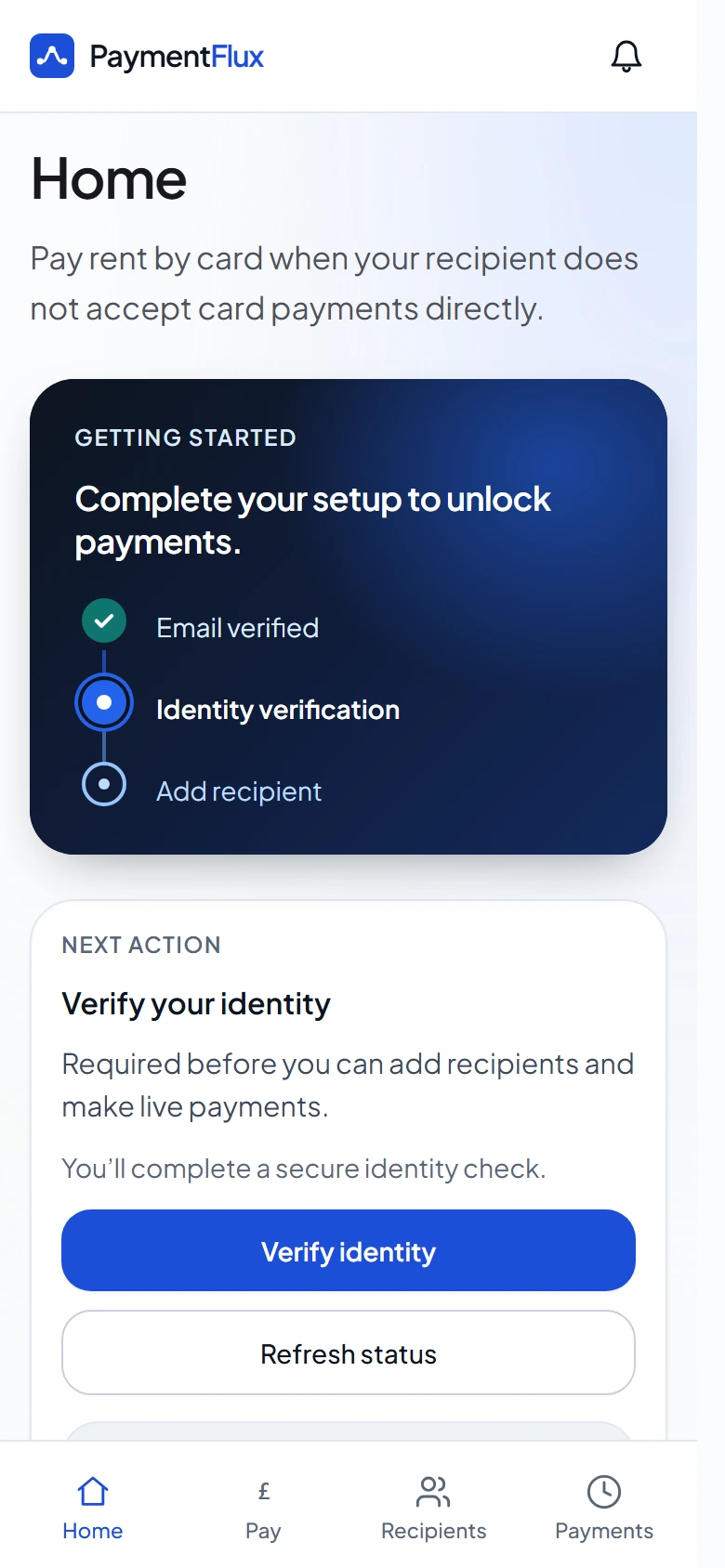
Pay your rent to Riverdale Lettings by card
If you rent through Riverdale Lettings, you can pay your rent by debit card, credit card, Apple Pay or Google Pay. Riverdale Lettings receives a bank transfer.
Pay by debit card, credit card, Apple Pay or Google Pay.


You pay by card
Debit card, credit card, Apple Pay or Google Pay
PaymentFlux processes your payment
Your card payment is securely processed

Riverdale Lettings receives a bank transfer
They get your rent in the usual way
How paying Riverdale Lettings by card works
You pay by card
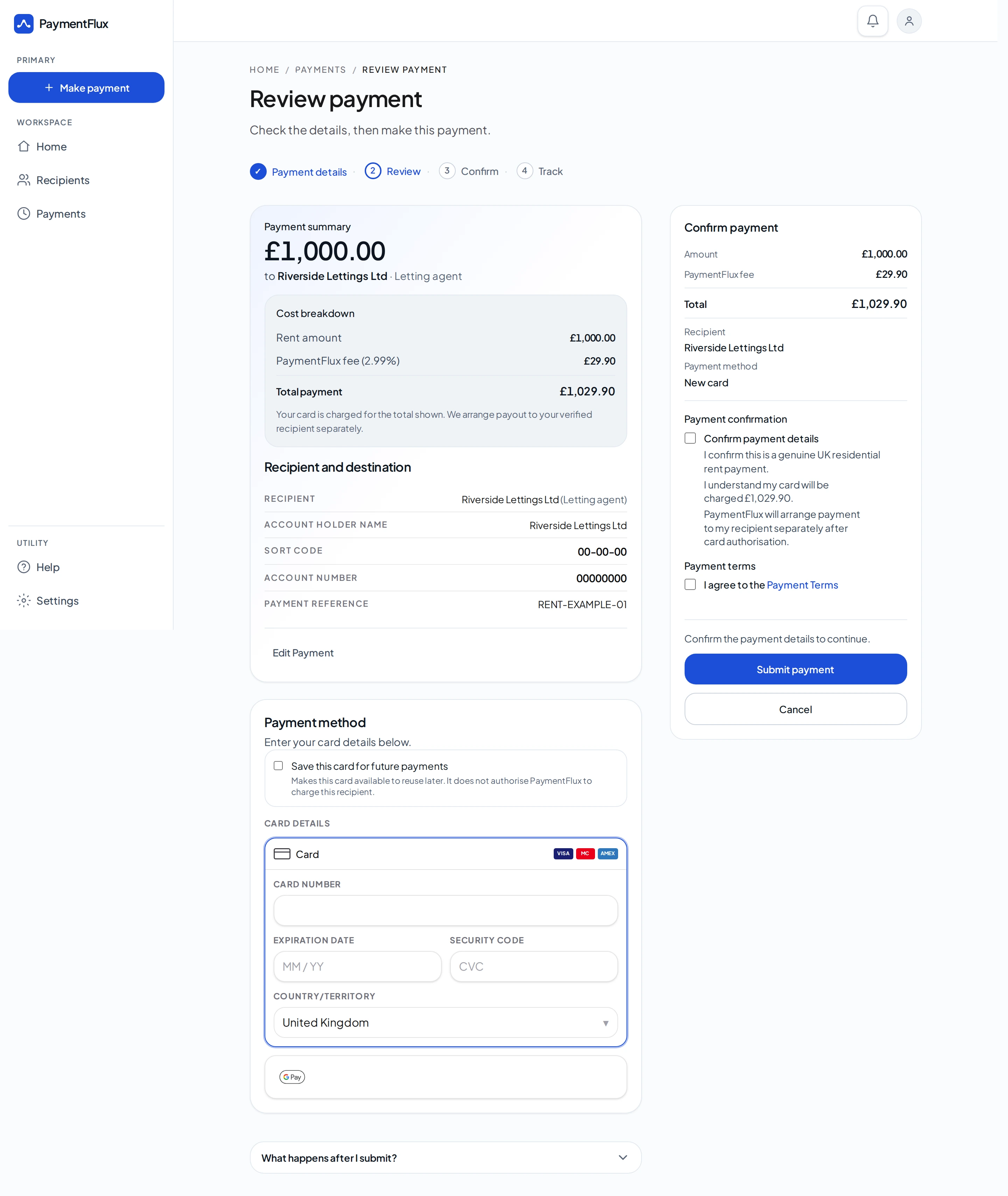
Pay using your debit card, credit card, Apple Pay or Google Pay. Use the bank details and payment reference that Riverdale Lettings has provided to you.
Fee shown before you pay
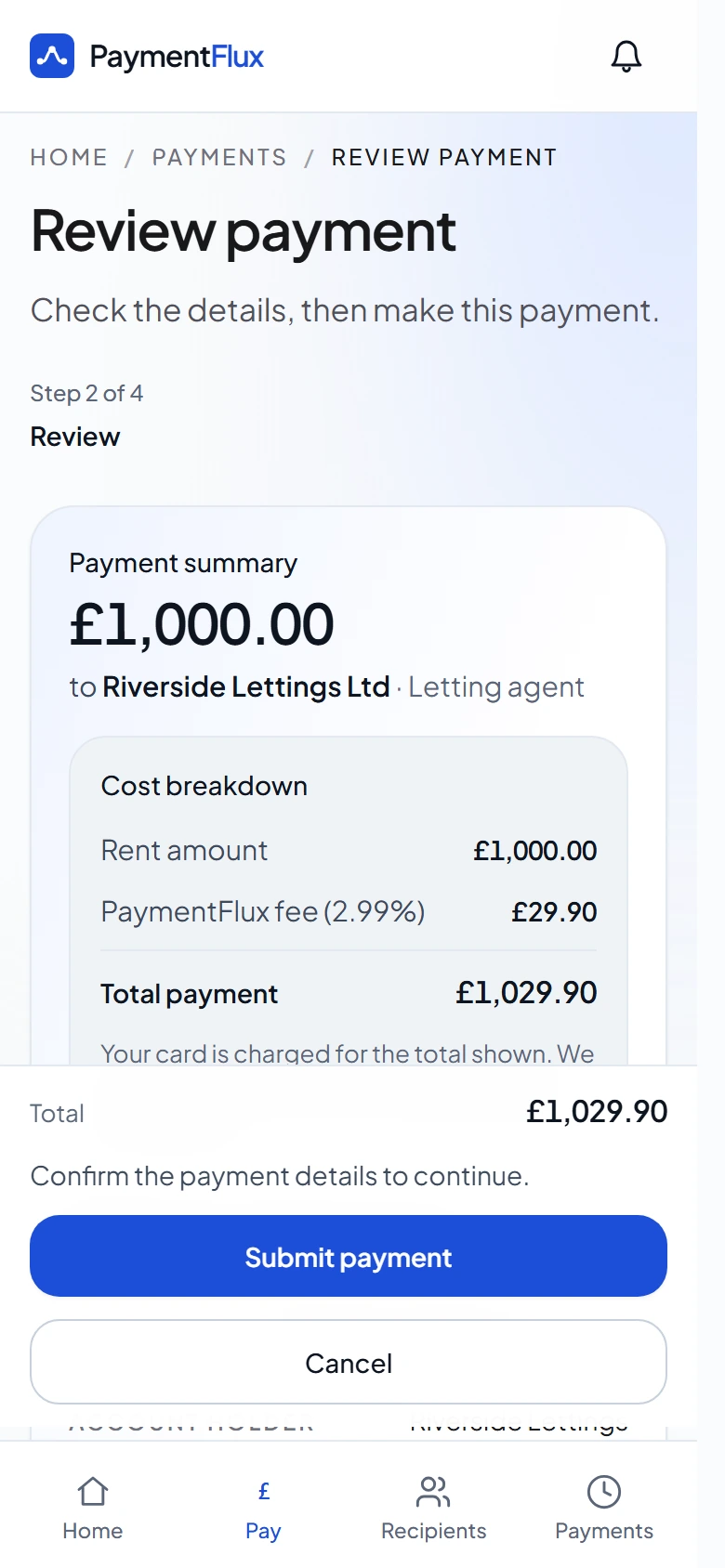
The flat 2.99% PaymentFlux fee is shown before you confirm.
Riverdale Lettings receives a bank transfer
Your rent is sent to Riverdale Lettings by bank transfer. They do not need to take card payments themselves.
You



PaymentFlux
What you do next
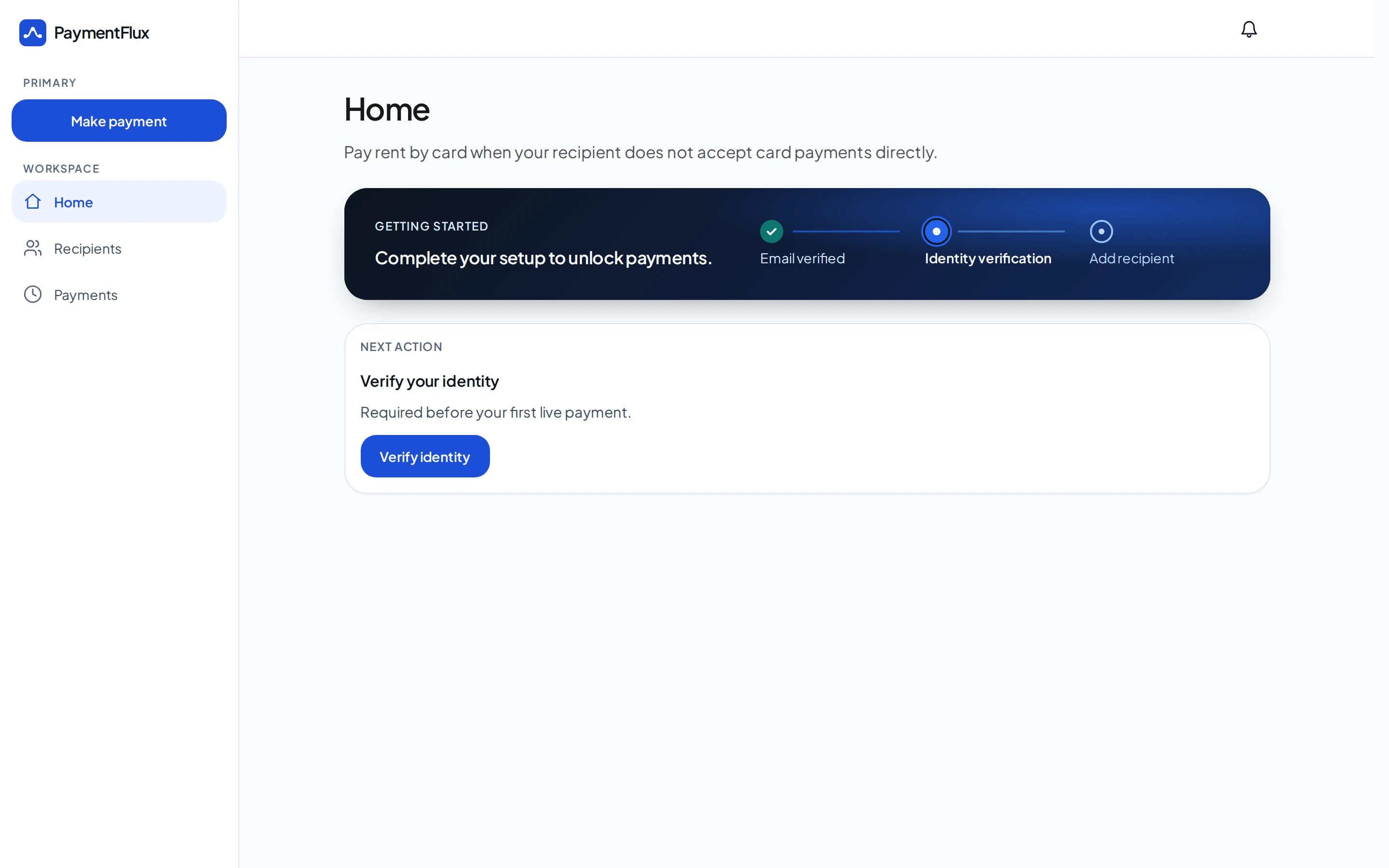
From creating your account to Riverdale Lettings receiving your rent.
Step 2
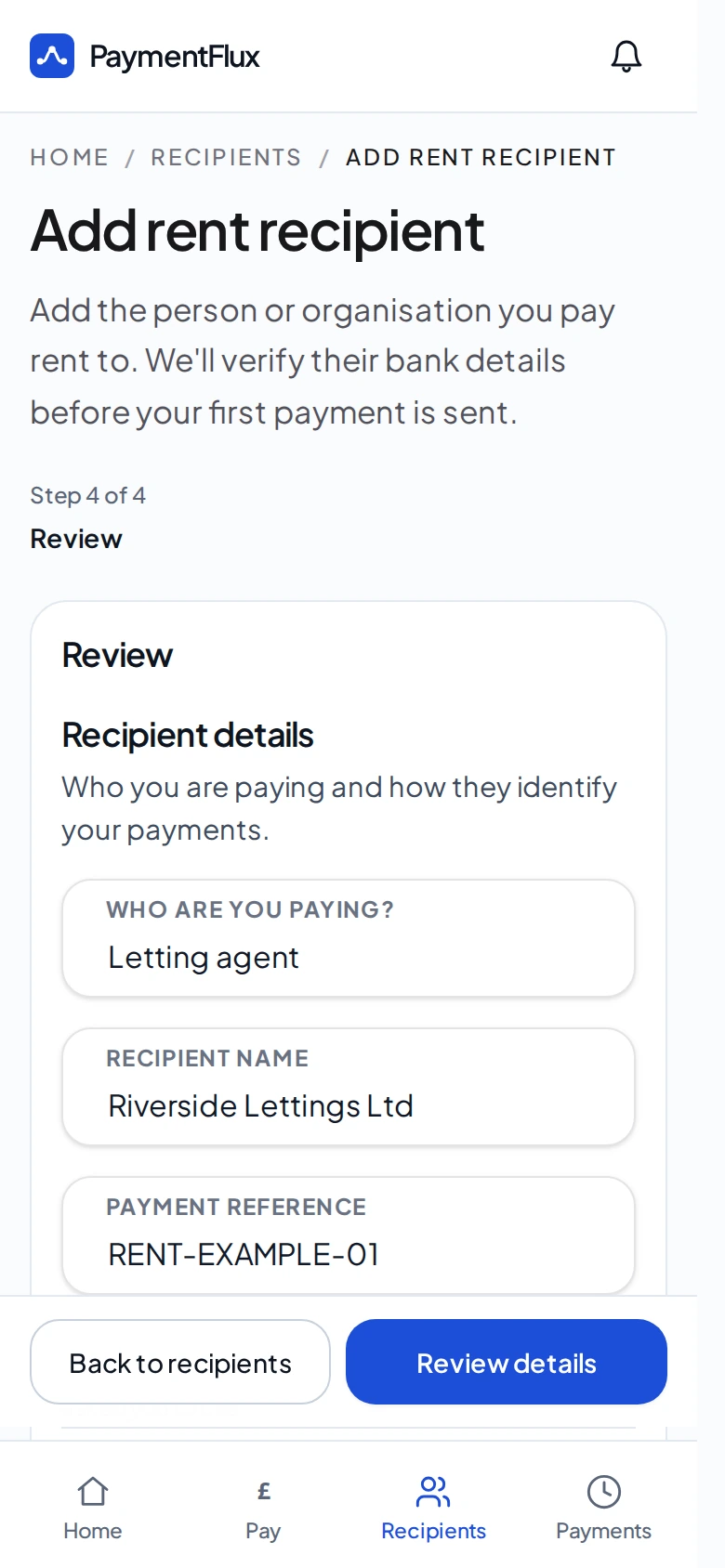
Add Riverdale Lettings
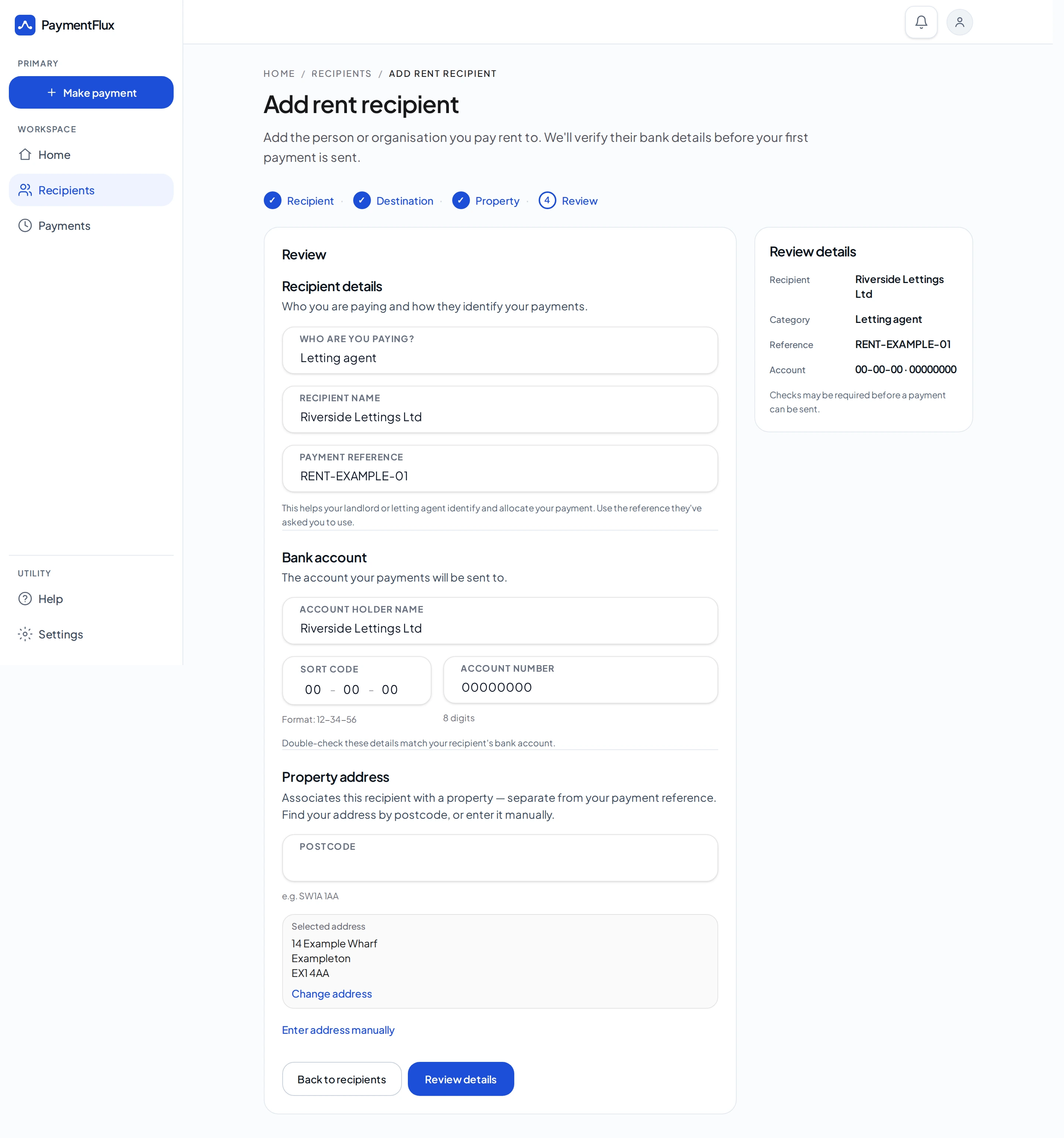
Add Riverdale Lettings as the recipient you pay rent to. Enter the bank details and payment reference that Riverdale Lettings has provided to you.
Step 3
Pay rent by card, Apple Pay or Google Pay
Confirm the rent amount and total charge. Your rent is sent to Riverdale Lettings by bank transfer. Payments are usually processed to completion within 5 business days.
More ways to pay rent to Riverdale Lettings Ltd
You can pay by debit card, credit card, Apple Pay or Google Pay. Riverdale Lettings still receives a bank transfer.
Debit card
Credit card
Apple Pay
Google Pay
Common questions
Yes. If you rent through Riverdale Lettings, you can pay your rent with a debit card or credit card. Apple Pay and Google Pay are also available where supported by your device and browser. Riverdale Lettings receives a bank transfer.
No. You pay PaymentFlux by card and Riverdale Lettings receives a bank transfer. They do not need to take card payments themselves.
PaymentFlux charges a flat 2.99% fee, shown before you confirm. Your card issuer may apply its own interest, charges or terms.
You enter Riverdale Lettings as a recipient yourself, using the sort code, account number and payment reference that Riverdale Lettings has provided to you. PaymentFlux checks the recipient before your first payment is sent if a check is required.
If the card step fails, no transfer is made to Riverdale Lettings. If the card succeeds but the transfer cannot be completed, we will try to return funds to your original payment method through our partners where possible. Timelines depend on partners and banks.
Still have a question?
Visit our Help Centre or contact our support team.
Ready to pay your rent to Riverdale Lettings by card?
Create your account — the flat 2.99% fee is shown before you confirm a rent payment.
Card payments supported by