PaymentFlux Partner Programme
Earn when rent is paid by card
Offer tenants another way to pay, or recommend PaymentFlux to people who need it. Partners earn a share of our profit on eligible rent payments, paid monthly.
- No cost to join
- Ready-made marketing kit
- Every amount explained
Two ways to partner
Choose the partnership that fits
Both use the same PaymentFlux sign-in, and you can hold both. Every partner gets a Partner Portal dashboard. Rates shown are our current standard rates. Your rate is always shown in the Partner Portal.
Approved Rent Payee
Letting agents, property managers, landlord businesses and housing associations
20%of our net profit on every eligible card rent payment into your approved accounts
Every payment. Earn on each eligible payment your tenants make, for as long as the partnership is active.
- Tenants pay by card, Apple Pay or Google Pay. You still receive the full rent by bank transfer.
- See every matched payment and what it earned in your Partner Portal dashboard.
- Referral links included, for people who don’t pay rent to you.
You’ll need: A UK business bank account that receives rent, your Companies House number if you’re a UK company, and authority to act for the business. Subject to approval.
Affiliate
Individuals, creators, communities and businesses
50%of our net profit on each referred customer’s first completed rent payment
Once per customer. Commission on each referred customer’s first eligible payment.
- No approval wait. Your referral links open as soon as you’ve applied.
- Create up to five labelled links, so you can see which channel works.
- Track sign-ups, payments and commission in your Partner Portal dashboard.
You’ll need: A verified email address and a UK bank account for your commission. Referring through a business? Its Companies House details, if it has them.
Not sure which fits? Read about the affiliate programme or contact us before you apply.
Transparent by design
How each commission is worked out
Commission is a share of the profit PaymentFlux makes on the payment, never the rent itself. Your dashboard shows this breakdown for every payment that earns.
Start with
PaymentFlux fee
The fee the tenant pays us, shown to them before they confirm
Less
VAT
Included in that fee
Less
Card processing
What our card processor actually charged
Less
Transfer fee
For sending the rent on, shown in the Partner Portal
Times your share
Your commission
Rounded to the nearest penny, in pounds sterling
Paid monthly
Commission is paid in arrears to a UK bank account we’ve checked.
Earned on completion
A payment earns once the tenant’s card payment and the transfer to the recipient have both completed.
Rate changes with notice
A reduction gets at least 30 days’ notice, and never changes commission already recorded.
The Partner Portal
Everything you need to promote, in one place
Pick a referral link and every email, banner, logo and QR code updates to use it. Copy it into your website, newsletter or tenant portal.
Tenant email
HTML, plain text and mail merge for your own email tool
Website banners
Leaderboard, rectangle, skyscraper and social, in four colourways
Print with QR codes
Posters, flyers and window cards, saved as PDF
Logos and text message
Approved brand files and short copy ready to send
Your tenant list never reaches PaymentFlux: mail merge runs in your own email tool, and QR codes are made in your browser.

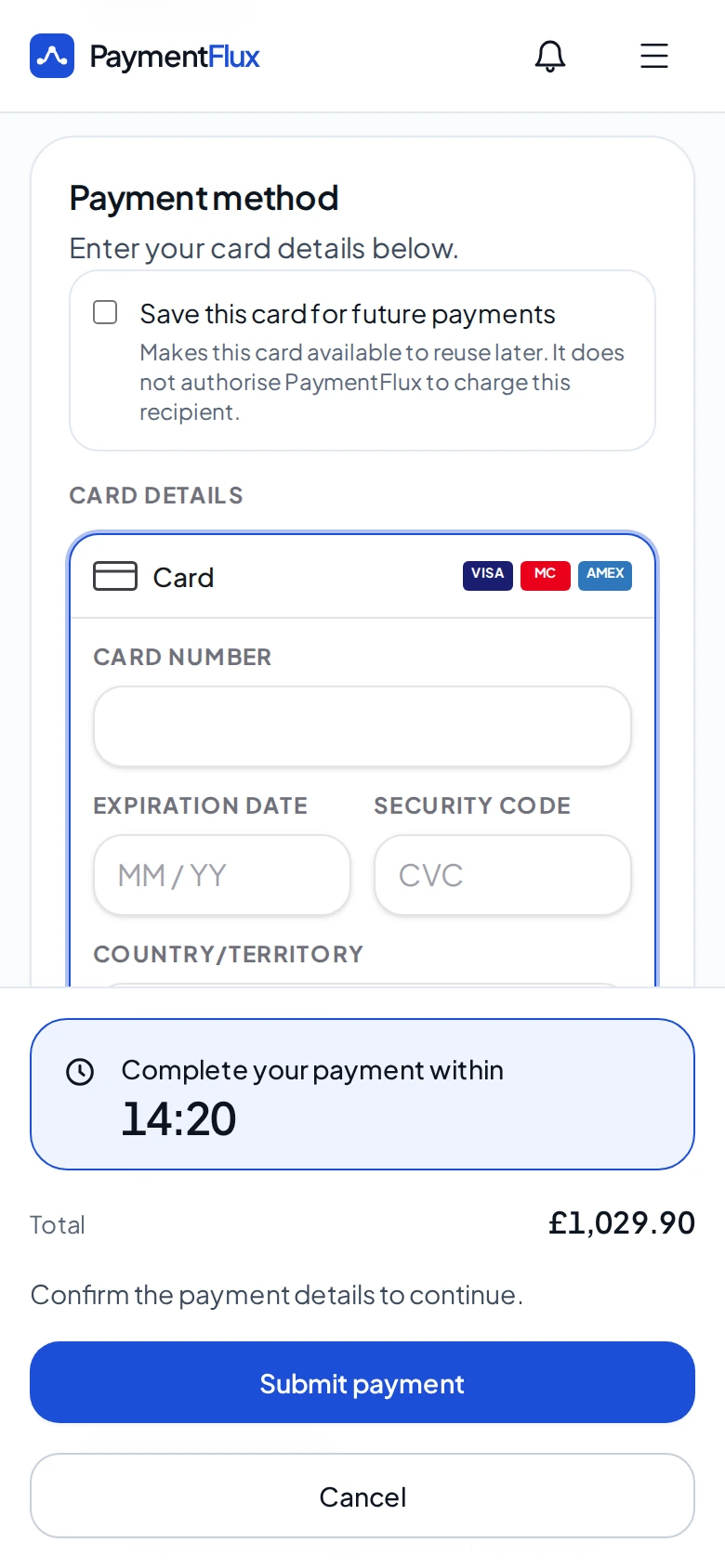
What you’re recommending
A clear, simple app for tenants
Tenants add who they pay, see the PaymentFlux fee before they confirm, and can share the payment’s progress with the recipient.
Pay by card
Debit card, credit card, Apple Pay or Google Pay
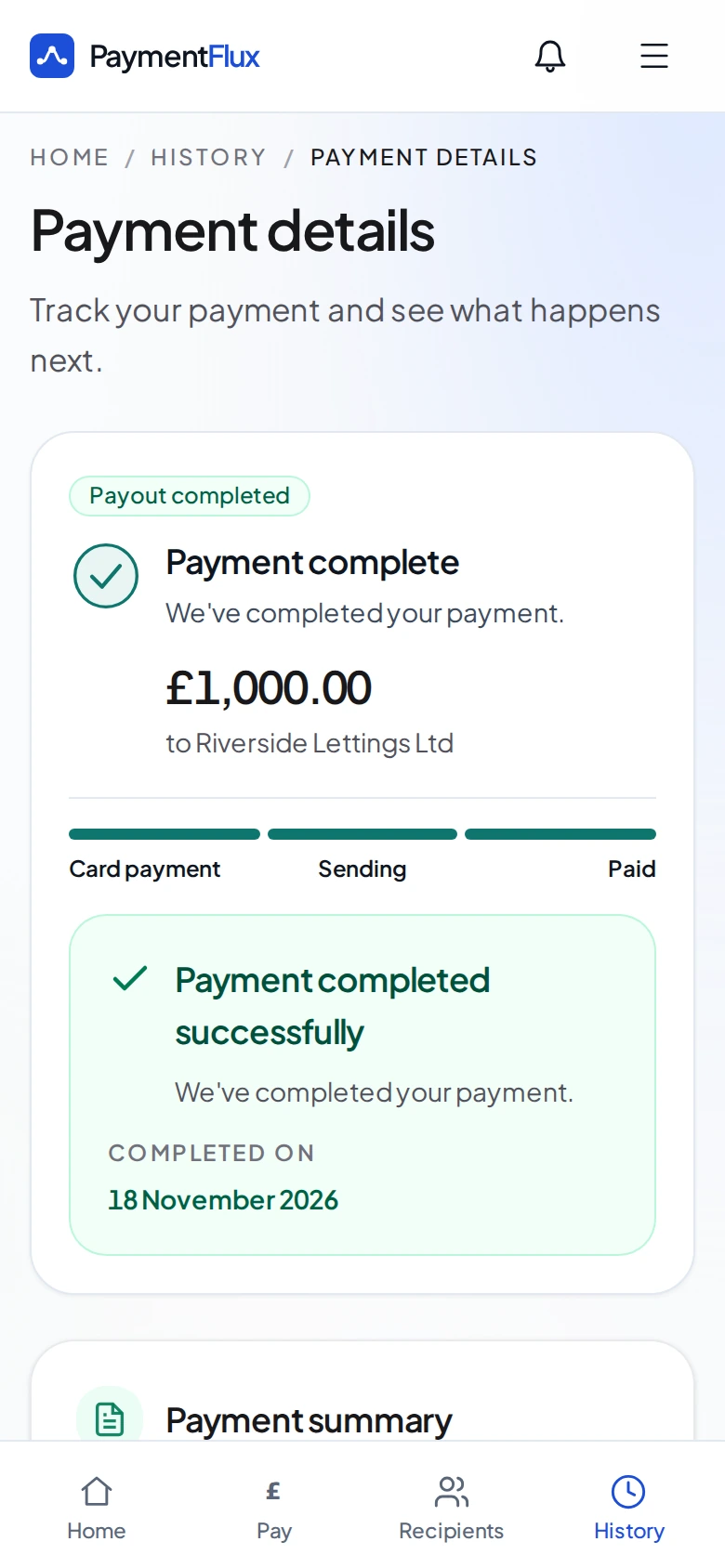
Track to completion
Every step from card payment to bank transfer
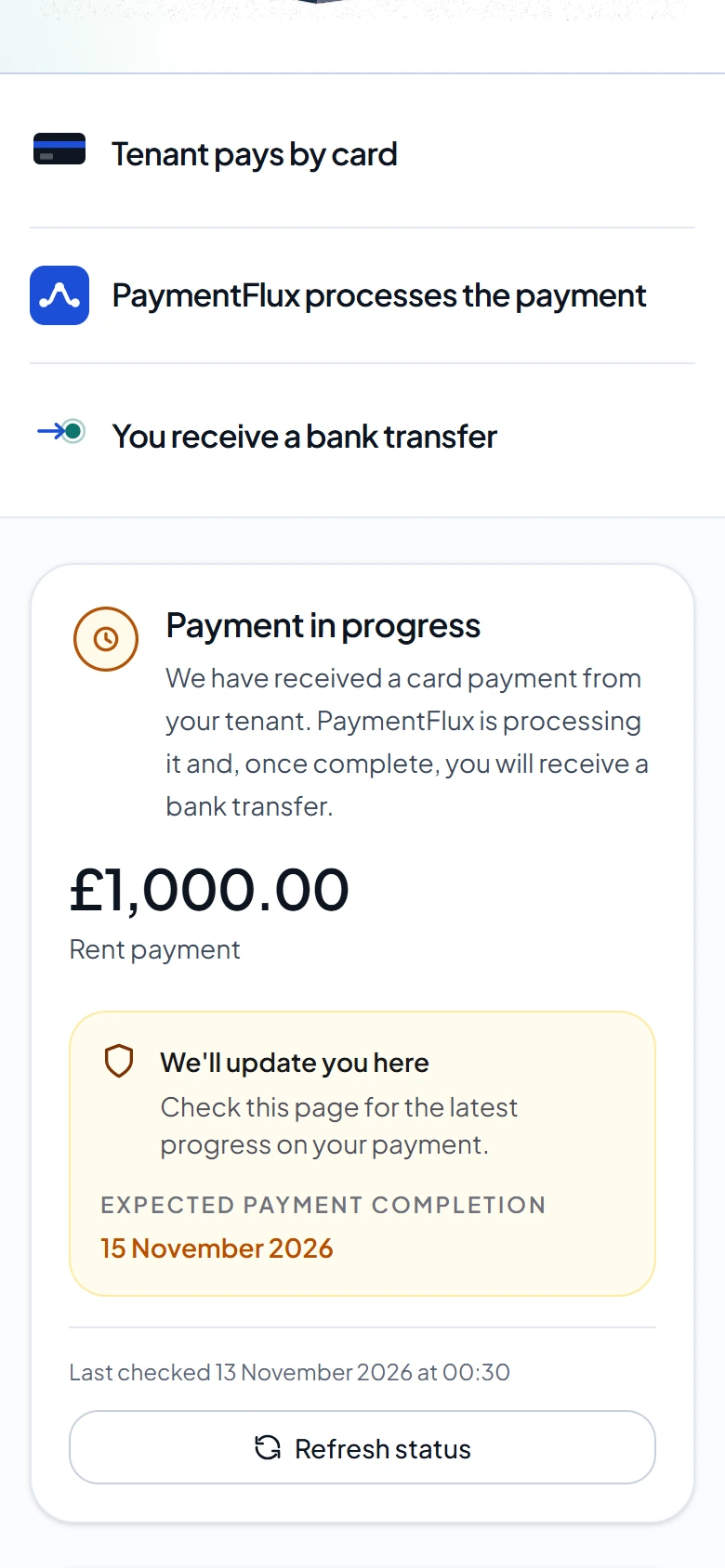
Share with the recipient
No PaymentFlux account needed to view it
Getting started
Live in four steps
- 01
Create your account
Register on the Partner Portal. Already use PaymentFlux? Sign in with the same account.
- 02
Apply and accept the terms
Affiliates can share links straight away. Approved Rent Payees are checked first, including a bank name check on each account.
- 03
Tell people
Use the ready-made kit. Approved Rent Payees add a PaymentFlux link to a page of their website that tenants visit.
- 04
Get paid monthly
See every payment and what it earned in your dashboard. Commission is paid monthly to your checked bank account.
Questions partners ask
No. There’s no fee to join, and PaymentFlux does not deduct anything from the rent a recipient receives. Tenants pay a PaymentFlux fee of 2.99% on top of their rent, which they see before they confirm.
Yes. You can hold both with the same sign-in. Approved Rent Payees also get referral links, up to five, for people who don’t pay rent to them.
A business that receives rent into a UK business bank account in its own name, such as a letting agent, property manager, landlord business or housing association. We check the business, the person applying and each receiving account before the partnership starts. Landlords who receive rent into a personal account can still share PaymentFlux with their tenants.
Your dashboard shows matched rent payments, referral sign-ups and payments, what each one earned and how, and your payouts. Tenants’ names, card details and addresses are never shown to you.
Approved Rent Payees show a PaymentFlux link, banner or button on a public page tenants visit, so tenants know they can pay by card. You keep earning while we check it, and nothing earned meanwhile is lost. If you don’t have a website, tell us and we can agree an alternative.
If a payment that earned commission is refunded, charged back or reversed, the commission on it is reversed. If it hasn’t been paid yet it’s cancelled; if it has, it can be deducted from future commission.
Yes. Partners must follow advertising rules, including the CAP Code, and make clear when they’re paid for referring people. The affiliate email in the Partner Portal already includes that line.
More in the Partner Portal help.
Start earning with PaymentFlux
Create your partner account in minutes. Approved Rent Payee applications are reviewed before earning starts.
Commission rates, the transfer fee, payout frequency and referral period are set out in the Partner Portal and in the Approved Rent Payee terms or Affiliate terms you accept there. Partners must follow advertising rules, including making clear when they’re paid for referrals. Rates shown are our current standard rates. Your rate is always shown in the Partner Portal.